Here's why some monitors have two USB ports (and the best ways to use them)
Your monitor's USB ports have many uses, but they don't all have the same capabilities. If your monitor has a couple of USB ports tucked along its back or side, they're likely there for your compute…
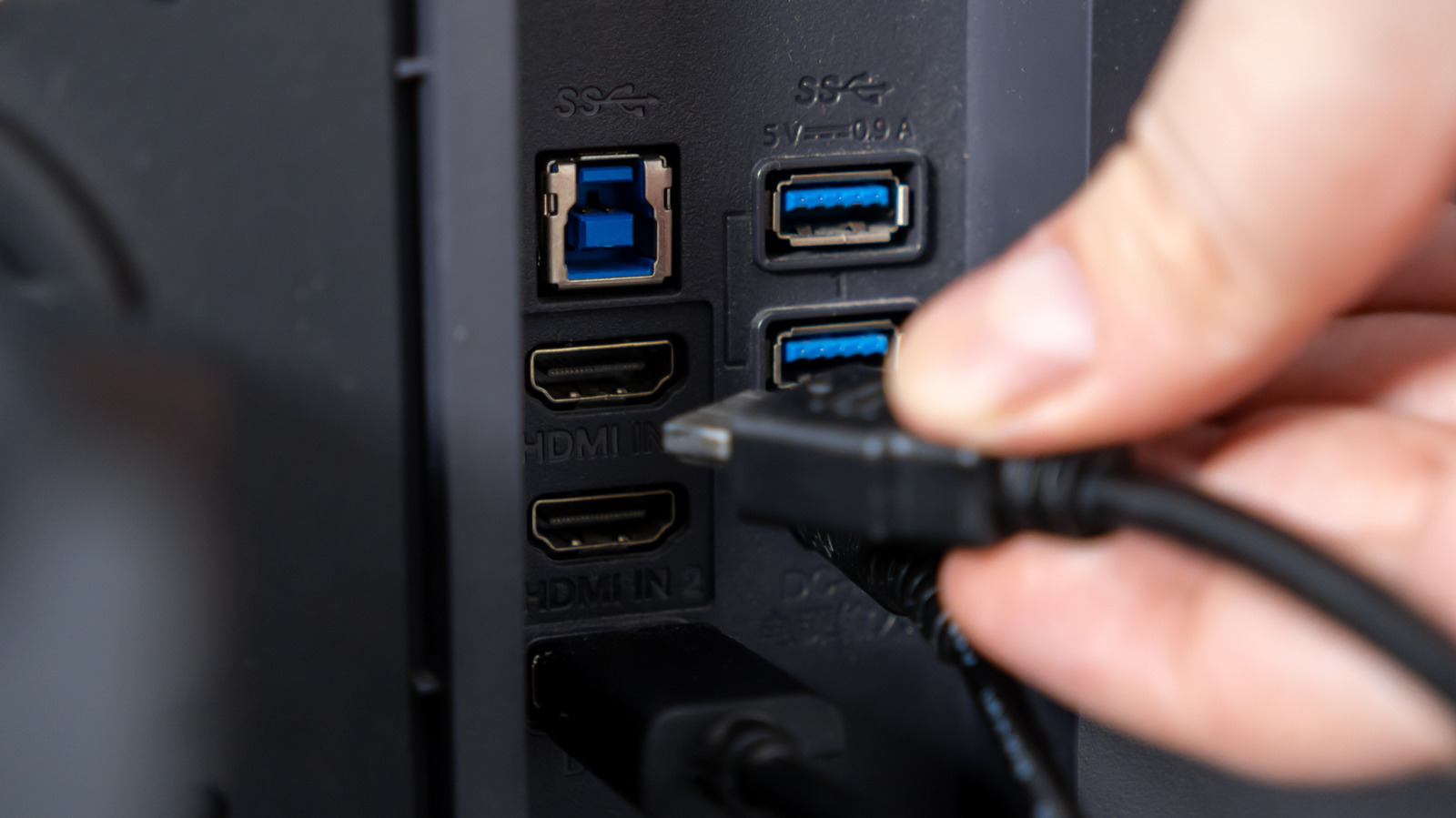
Your monitor's USB ports have many uses, but they don't all have the same capabilities.
If your monitor has a couple of USB ports tucked along its back or side, they're likely there for your computer rather than the display itself. On monitors with this built-in USB hub, you can connect a keyboard, mouse, webcam, flash drive or other accessory to the monitor and have it communicate with your PC through the USB connection.
The exact way the ports work depends on the monitor. On some models, the video connection and the USB hub are separate, so you might use HDMI or DisplayPort for the picture and another USB cable to make the monitor's USB ports work with your computer. On supported USB-C monitors, one cable can handle both jobs. You can plug a keyboard or mouse into the monitor, then connect the monitor to your laptop with USB-C, and that one USB-C cable will both send the laptop's picture to the screen and carry the accessory data to the laptop. Some monitors can also charge the laptop through the same USB-C connection.
A monitor with a USB hub has two sides to the connection. The upstream port, which sends data from the monitor to your computer, connects the hub to the PC. The downstream ports, which send data from connected devices into the hub, are where you plug in accessories such as a mouse, keyboard or flash drive. Data from those devices travels through the monitor and then reaches the computer over the upstream connection.
There's no rule that a monitor with two visible USB ports must have one upstream and one downstream port. For example, a model might have two downstream USB-A ports and a separate USB-B upstream port, while another may use USB-C for its upstream connection. The labels or manual should show how the ports on a given monitor are assigned.
That upstream connection is easy to overlook if the monitor connects over HDMI or DisplayPort. A standard HDMI or DisplayPort cable doesn't provide the USB data path that the hub needs, so monitors that use those video connections need a separate USB upstream cable for their downstream ports to work.
USB-C can combine those jobs when the hardware supports it. DisplayPort Alt Mode allows a compatible USB-C connection to carry video alongside data, while USB Power Delivery can add laptop charging. USB-C itself only describes the connector, however. Support for standards such as USB 3.2, USB4 and USB Power Delivery varies by device. That's one reason the differences between HDMI, USB-C and DisplayPort extend beyond which connector fits your computer.
The simplest option is to leave permanent desk accessories connected to the monitor, especially those that aren't speed-dependent. A keyboard, mouse, wireless receiver or webcam can stay plugged in there instead of occupying ports on your laptop or desktop. If you regularly take a laptop away from your desk, reconnecting the monitor's upstream link reconnects all those USB accessories at once.
Read Full Story at Engadget →