How to disconnect CarPlay so it will stop auto-connecting to your phone
It's actually quite easy to prevent it from linking to your iPhone in your car. Apple's CarPlay has become one of the favorite features of iPhone owners who happen to own a car that supports it. Usi…
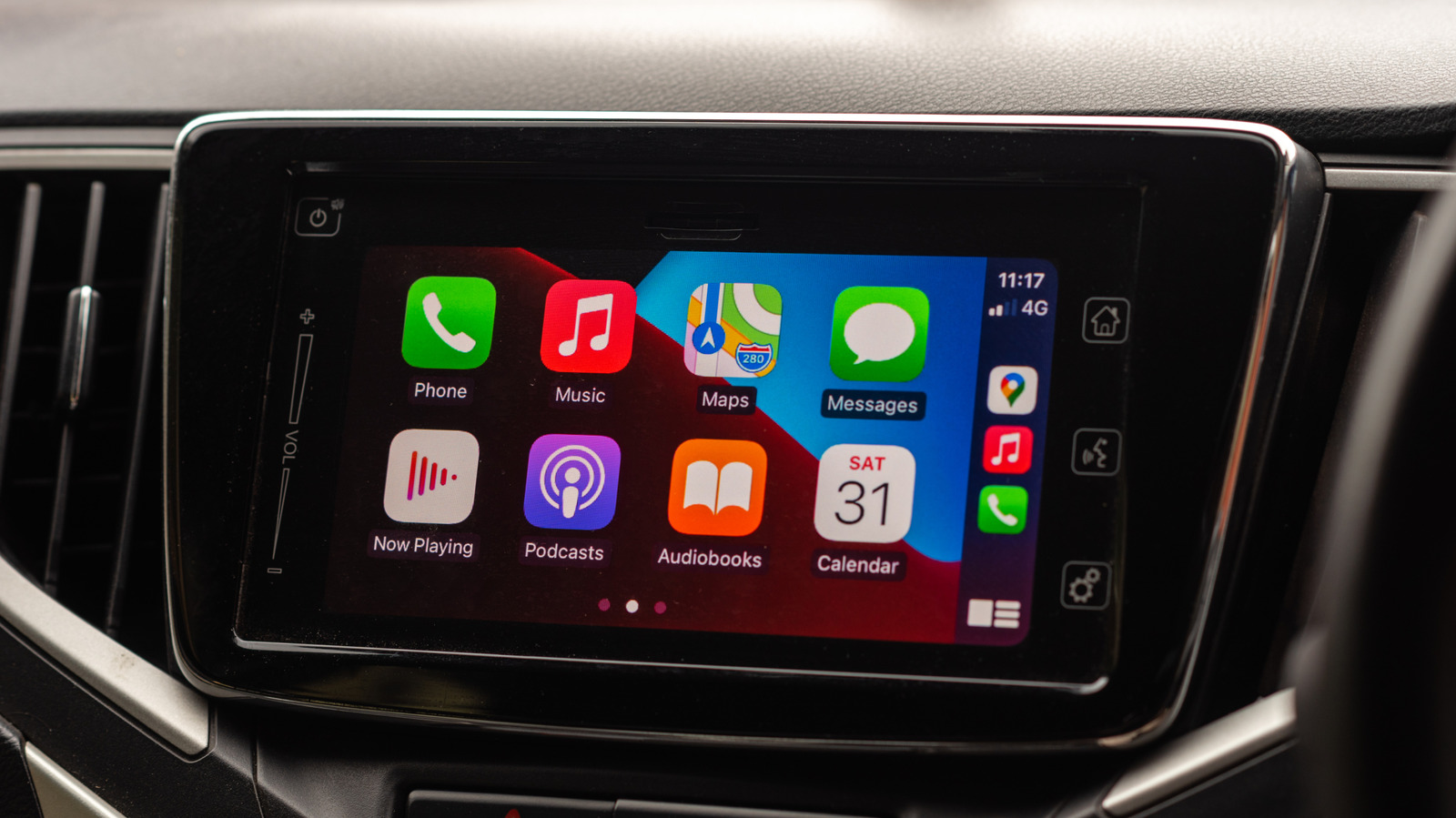
It's actually quite easy to prevent it from linking to your iPhone in your car.
Apple's CarPlay has become one of the favorite features of iPhone owners who happen to own a car that supports it. Using an interface that's an extension of iOS is certainly more appealing than relying on infotainment systems from car manufacturers, which can sometimes be ugly and not very intuitive.
Once you pair your iPhone with CarPlay, it'll usually remember your device and reconnect automatically the next time you get in your car — unless there's a weird bug. But what if you don't want to use it on every trip, or you just want to save some battery on your iPhone? CarPlay will still be there waiting.
If Apple's CarPlay has been bothering you or you just fancy a break from it, there are a few ways to prevent it from automatically connecting in your car.
If you want to stop a paired iPhone from seeking a CarPlay connection every time you start your vehicle, temporarily disabling CarPlay might solve your problem. Although this may sound a bit dramatic, disabling or re-enabling CarPlay only takes a few steps.
On your paired iPhone, go to the Settings app. Look for the General section and scroll down to CarPlay . It's the one with a green icon. Find your car in the list and tap it to display some additional management options. This should reveal a CarPlay toggle — simply turn it off so your iPhone no longer automatically launches it.
Want CarPlay back? Just repeat all the steps and re-enable the same toggle. Some older cars may not support this easy setting, so you'll need to unpair your iPhone from CarPlay by tapping Forget This Car . This disables CarPlay for the specific car you've selected, but not for all of the cars your iPhone has paired with.
If you want to avoid disabling each car manually, there's some good news: you can also completely block CarPlay on your iPhone using Screen Time settings . While Screen Time was designed to help you spend less time on your phone, it also offers some very useful restriction options. Also, in your iPhone Settings, go to Screen Time , then Content & Privacy Restrictions and you'll find a menu called Allowed Apps & Features . From there, disable CarPlay to turn off the feature for good.
Read Full Story at Engadget →