Game boost FPS with free software tweaks
PC gamers can boost frame rates without new hardware by closing background apps, cleaning dust, and lowering specific graphics settings. These software adjustments improve performance by freeing syst…
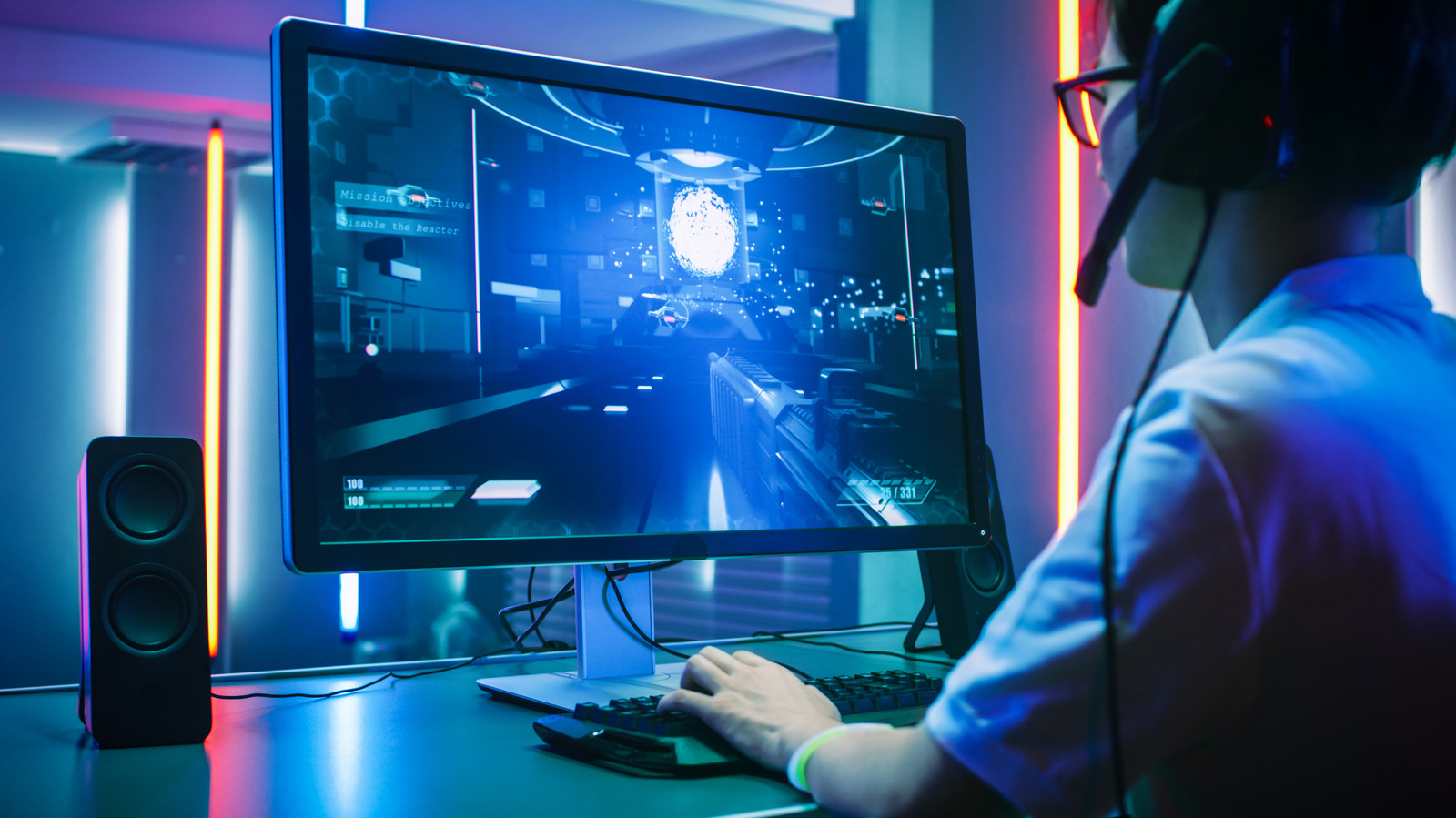
PC gamers can boost their frame rates without buying a new GPU by turning off or lowering a handful of graphical features.
The move comes as the PC platform continues to offer more customization than consoles, letting users tweak every setting from resolution to ray‑tracing. Yet many players still feel the pressure to hit a steady 60 or 120 frames per second, especially in fast‑paced titles. Rather than splurge on new hardware, budget‑conscious gamers are turning to software tweaks that keep the same machine running smoother.
Start by shutting down background applications so the game gets full access to the CPU and RAM. Clean out any dust that may be clogging the case fans; overheating can throttle performance. In the game’s graphics menu, lower texture quality, shadows, and effects such as ambient occlusion. Disable motion blur and in‑game V‑sync to cut input lag, then use the NVIDIA Control Panel or AMD Radeon software to cap the frame rate and avoid screen tearing. Many modern games now auto‑detect the best settings for your system on first launch, which can save time and still deliver a stable 60‑fps experience in titles like Forza Horizon 6 and GTA V: Enhanced Edition.
Beyond graphics, other tweaks can help. Turn off recording overlays from the NVIDIA app or Xbox Game Bar, as they consume extra GPU cycles. Keep your graphics drivers and the associated software up to date; a new driver can improve performance or, if it breaks the game, roll it back. Finally, make sure Windows 11 is set to a high‑performance power plan under Settings > System > Power & battery. These small adjustments can raise frame rates enough to make a noticeable difference, proving that a new GPU isn’t always the only route to smoother gameplay.
Read Full Story at Engadget →