How to set up 5.1 surround sound system for your Xbox
Modern TVs make surround sound Xbox audio easier, while older models have workarounds. While it might not come to mind as quickly as 4K textures or smooth frame rates, being able to pair your Xbox S…
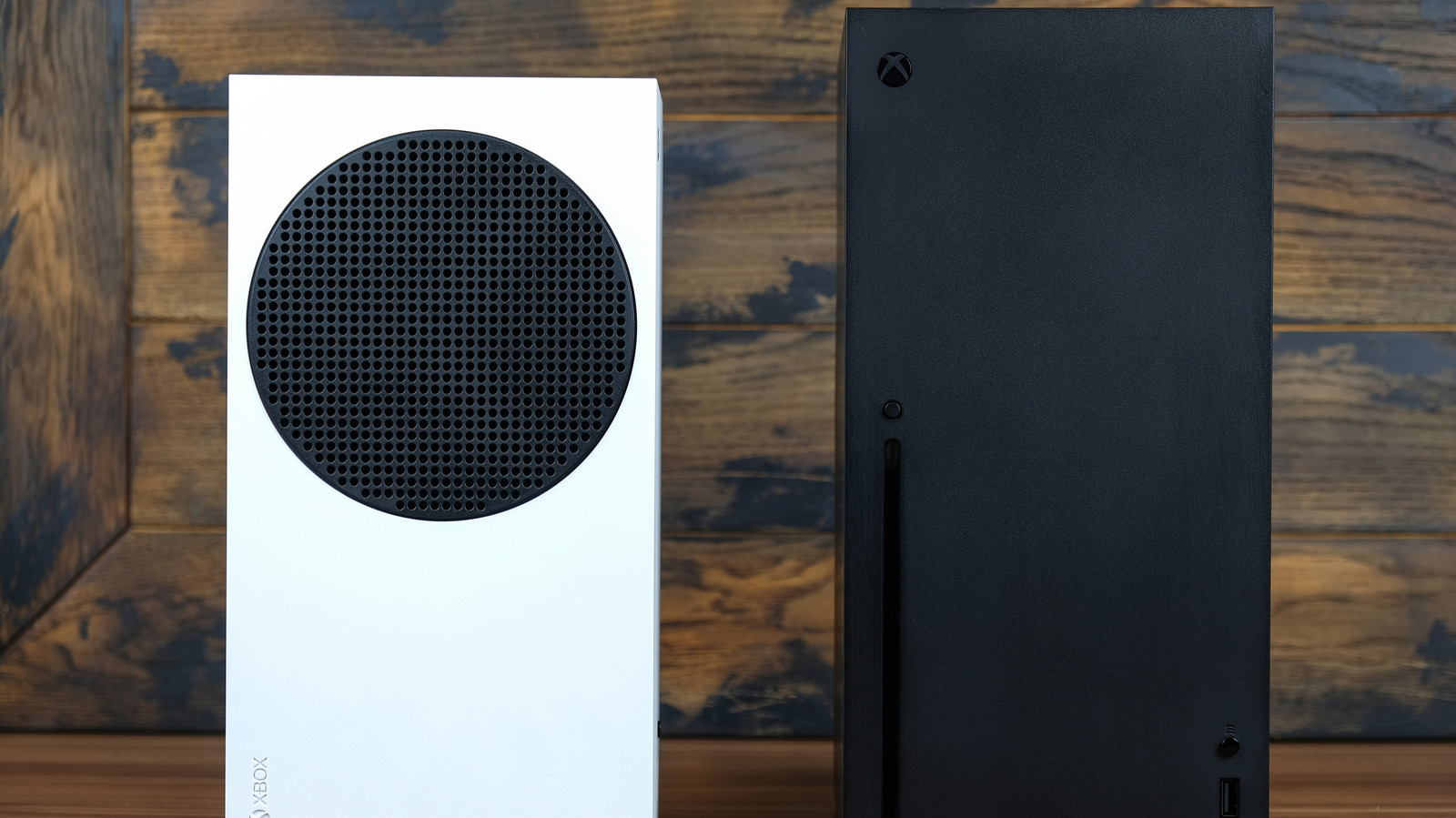
Modern TVs make surround sound Xbox audio easier, while older models have workarounds.
While it might not come to mind as quickly as 4K textures or smooth frame rates, being able to pair your Xbox Series X/S with a surround sound setup is a big advantage of modern gaming. Whether alerting you to nearby players in competitive shooters or upping the immersion in a story-driven title, a multichannel sound system is a big upgrade over stereo speakers.
For those interested in the best gear to upgrade your home theater setup , there's a good chance you own a modern TV with proper HDMI passthrough features. If that's the case, setting up surround sound on your Xbox is relatively easy. Folks using older TVs that lack eARC ports don't need to be left out in the cold, though; a cheap accessory can still treat your Xbox to full-blooded surround sound. We'll walk you through the process either way.
If you own a decent TV manufactured in the last few years, the easiest way to connect your Xbox console to a surround sound system is by hooking it up to your TV's eARC/ARC-capable HDMI port. To get the most out of your Xbox's current-gen visual features, you should connect to a TV that supports HDMI 2.1 , making sure the HDMI cable supports this standard as well. This way, you can play supported games at 4K/120 fps — like Ori and the Will of the Wisps or The Touryst — while still enjoying surround sound.
The specific HDMI port on your TV that supports eARC will depend on the manufacturer. The slot you're looking for should be branded with "eARC/ARC". If it's not, check your TV's manual or head to the manufacturer's official listing online for precise specs.
Once you've connected your sound bar or home theater receiver to your TV's eARC port, it's time to tweak audio settings on your console by heading to Settings > General > Volume and audio output . Looking under Speaker audio , depending on what type of home theater setting you're working with, either the 5.1 uncompressed or 7.1 uncompressed option should provide immersive multi-channel audio. If those don't work, they may require more bandwidth than your setup offers. Try Bitstream out in that case.
If you own a Dolby Atmos system, install the Dolby Access app (it's free unless you're using headphones), then choose Dolby Atmos for home theater . This way, you'll get a more compelling sense of height in the soundscape for compatible games.
If you're gaming on an older TV that doesn't support HDMI passthrough, you can still get surround sound on your Xbox, though it's not as smooth. In theory, an optical cable enables this, but neither Xbox Series X or S have an optical output. Thus, you'll need an HDMI audio extractor to get the setup working.
Read Full Story at Engadget →