The best Android alarm app isn’t on the Play Store. Here’s how to install it
Most people stick to the defaults when it comes to apps like your calendar, texting app, and clock. The reality is that plenty of third-party apps do the job better, and Chrono is one of them. Far f…
Affiliate links on Android Authority may earn us a commission. Learn more.
Most people stick to the defaults when it comes to apps like your calendar, texting app, and clock. The reality is that plenty of third-party apps do the job better, and Chrono is one of them.
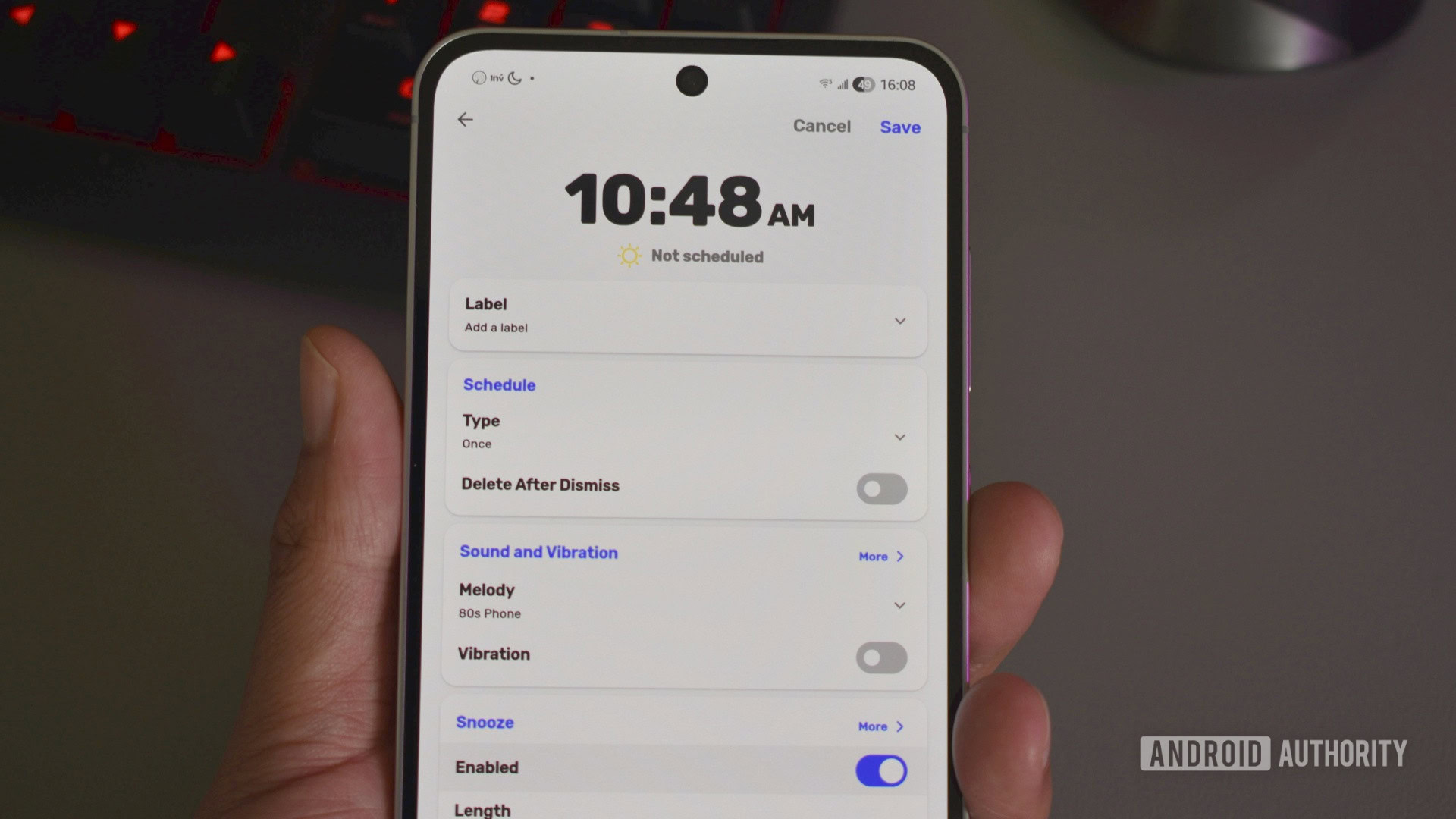
Far from a household name, Chrono is an open-source clock app that puts both Samsung and Google’s default Clock apps to shame. It has a great UI, plenty of useful alarm features, and no ads. It’s also easy to overlook because it isn’t officially available on the Google Play Store.
In this guide, I’ll explain why I recommend Chrono, how to install it, and how to keep it up to date.
Chrono is one of the first apps I download when I switch to a new phone or tablet. I refused to use anything but Google’s Clock app for the longest time, but Chrono won me over for a few reasons.
Chrono’s UI isn’t that different from those of other major clock apps. Opening it takes you straight to your alarms, with four tabs in a bar below: Alarm, World Clock, Timer, and Stopwatch. It might be familiar, but there are far more customization options available, including a dark mode, a Google-inspired Material style, and a handful of others.
I love that I can customize the look of the clock app, whereas apps like Google Clock and Samsung Clock limit customization and focus only on the basics.
There are also nice little visual touches, like the day/night/evening icons next to your alarms. They might not do much, but they add the tiniest pop of color to the mix. The app also lets you tag alarms, which makes them easier to organize and group.
Read Full Story at Android Authority →