What does background app refresh on iPhone actually do?
Apps updating in the background is convenient, but they don’t all need to do that. When you're trying to improve battery life on your iPhone or use less data, one of the first settings you'll probab…
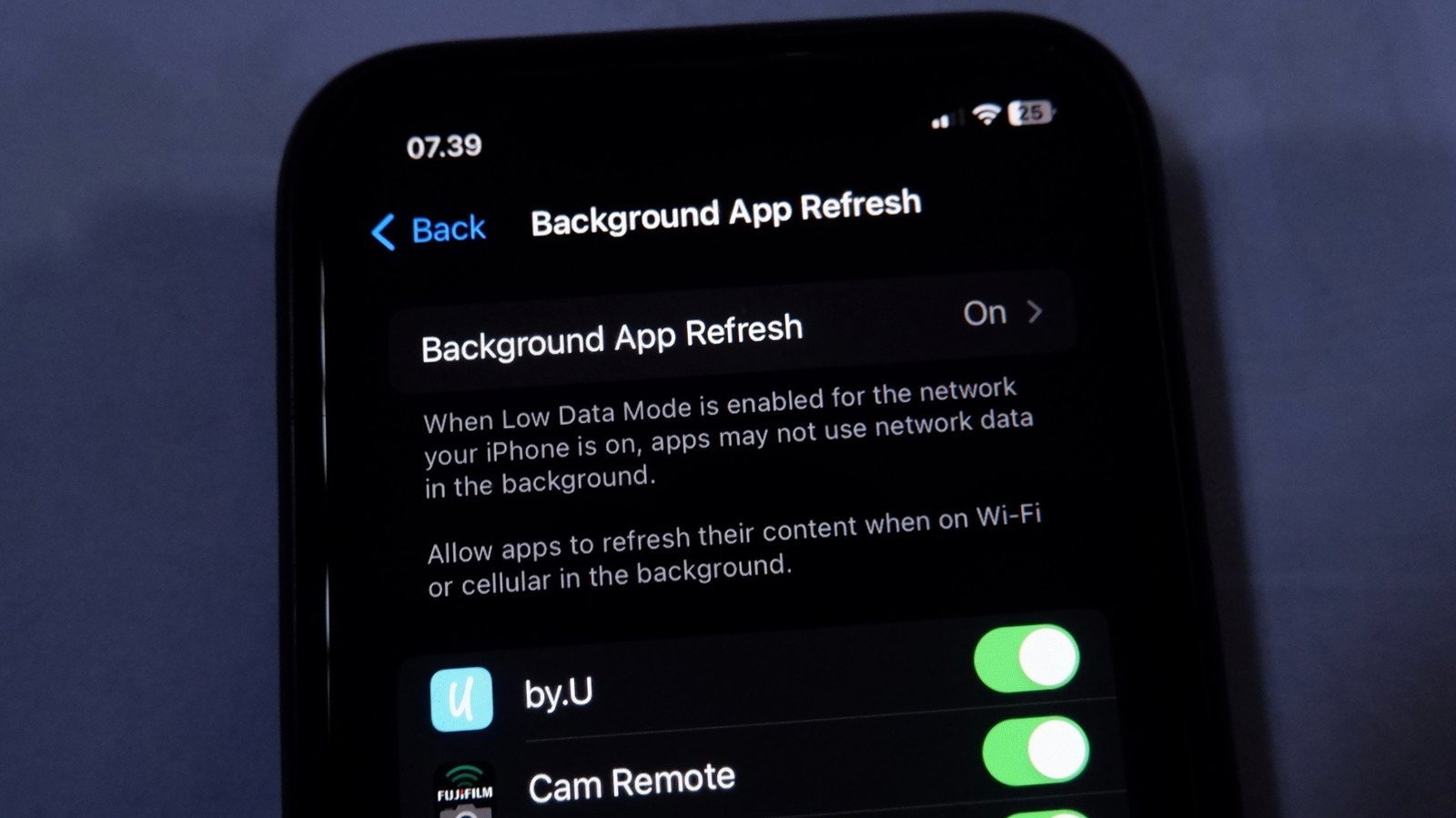
Apps updating in the background is convenient, but they don’t all need to do that.
When you're trying to improve battery life on your iPhone or use less data, one of the first settings you'll probably check is Background App Refresh. It's much easier to know what your active app is doing compared to dozens of apps working in the background, which is why this control exists.
But what does this feature actually control, and when should you turn it off? As with many phone features, the answer is about balance. You probably don't want to turn off Background App Refresh entirely, but you should configure it to avoid wasting resources.
Upon visiting Settings > General > Background App Refresh , you'll see the explanation of this feature: "Allows apps to refresh their content . . . in the background." While that's vague, the Apple Support page on switching apps provides a bit more information on how apps enter a "suspended state" shortly after you stop using them. Combined with evidence from real-world usage, this gives us enough to work with.
Background App Refresh lets apps fetch new information from the internet even when you aren't actively using them. We know this is solely about internet activity since the Settings page has an option to choose whether this works on cellular data or only Wi-Fi. The setting has lots of uses, such as:
What almost all of these have in common is preloading content so you don't have to wait for an update when you open the app.
It's convenient not having to open apps to keep them updated, especially if you have a lot on your phone. For instance, it's annoying to open your podcast app on the bus, only to find that the latest episode didn't download like you expected.
But you probably don't need automatic updating for every single app on your phone. And thankfully, it's a granular option. Visit Settings > General > Background App Refresh to review its setup. Tap Background App Refresh at the top to choose whether it functions on Wi-Fi & Cellular Data or only on Wi-Fi (good for saving carrier data). You can also disable background refreshing entirely by choosing Off .
Read Full Story at Engadget →