Decibel Meter (Sound Level Meter)
Measure noise levels with your microphone — with A-weighting, min/max and alerts · free, no signup
| 30 dB | Whisper, quiet bedroom | 85 dB | Heavy traffic, factory — hearing risk after 8 h |
| 40 dB | Library, quiet home | 100 dB | Motorbike, club, power tools |
| 60 dB | Normal conversation | 110 dB | Rock concert — damage within minutes |
| 70 dB | Busy street, vacuum cleaner | 130 dB | Threshold of pain, jet engine nearby |
See Decibel Meter (Sound Level Meter) in action
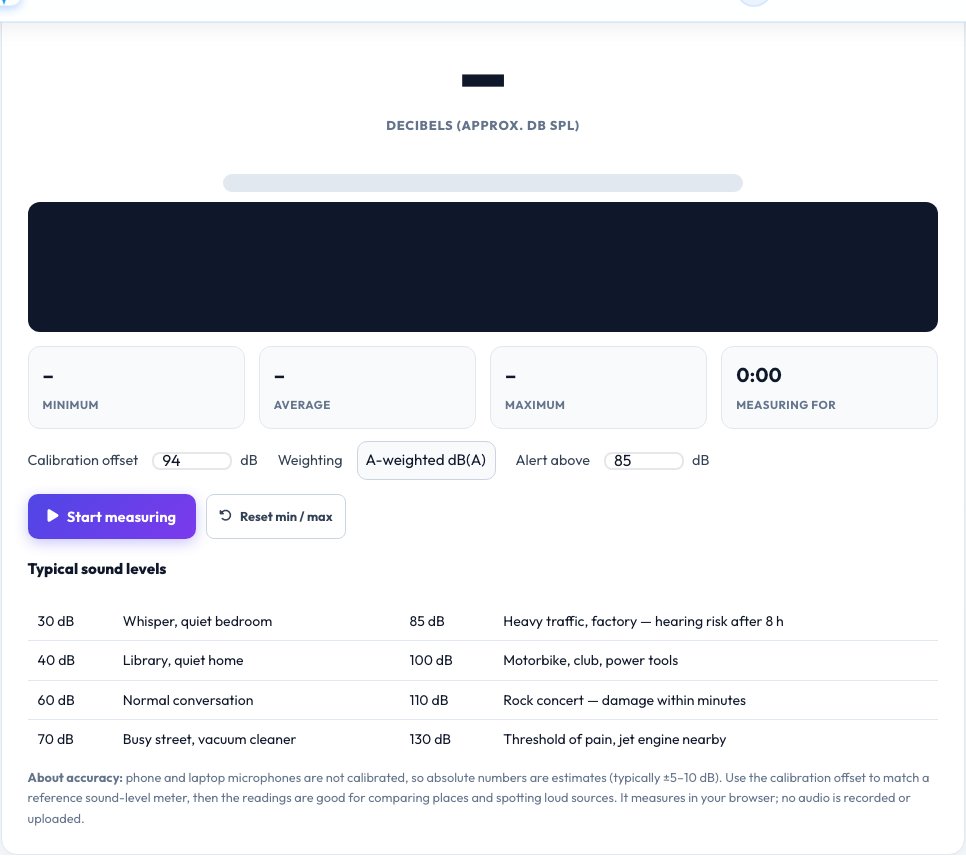
Free Online Decibel Meter — Measure Noise with Your Microphone
A decibel meter tells you how loud a place is. This one uses your device's microphone to show a live level in decibels with a colour bar, a scrolling graph, and the minimum, average and maximum over your session, so you can compare rooms, find noisy machines or check whether a neighbour, a classroom or a workplace is above a comfortable level.
Choose flat (Z) or A-weighted readings — dB(A) matches how the human ear responds and is the standard for noise limits — set an alert level and be warned the moment the sound goes over it. Phone and laptop microphones are not calibrated, so absolute numbers are estimates; use the calibration offset to match a reference meter and the readings become reliable for comparisons. Nothing is recorded or uploaded.
Key features
Live dB with graph
Big readout, colour bar and a scrolling level history.
Min, average and maximum
Track a whole session, with a timer.
A-weighting and calibration
dB(A) or flat, adjustable to a reference meter.
Loudness alert
Set a threshold and get a timestamped warning.
How to use it
- Click Start measuring and allow the microphone.
- Hold the device steady, microphone pointing at the source.
- Watch the level and the min / avg / max.
- Set an alert level (for example 85 dB) if you need to monitor a space.
Worked example
Example
Quiet office 42 dB(A) · normal conversation 60 dB(A) · vacuum cleaner 72 dB(A) · club 100+ dB(A).
Who uses this tool
Home and office
Check noise from neighbours, appliances and traffic.
Teachers and event organisers
Keep classrooms and events within a comfortable level.
Workers and hobbyists
Estimate exposure from tools and machines.
Tips for the best results
- Calibrate against a reference meter or phone app you trust, then adjust the offset.
- Keep the microphone unobstructed and away from your hand.
- Measure for at least a minute to see the average.
- Use hearing protection above 85 dB(A) for long exposure.
Common mistakes to avoid
- Trusting absolute values from an uncalibrated microphone as legal evidence.
- Measuring with a phone case covering the microphone.
- Forgetting that automatic gain control can distort readings — this tool switches it off.
Why use AZRS QuickFix?
It is 100% free, needs no signup and has no watermark or usage limits. The tool runs in your browser, so what you type stays on your device, and it works on phones, tablets and desktops. New tools are added every week — bookmark this page or browse the full QuickFix toolbox.
Frequently asked questions
How accurate is a phone decibel meter?
Typically within 5–10 dB without calibration, and much better for comparing places. Use the calibration offset to match a proper meter.
What is dB(A)?
A frequency weighting that mimics how loud sounds seem to the human ear. It is used in workplace and environmental noise limits.
What is a safe noise level?
Below about 70 dB(A) is safe for all-day exposure. At 85 dB(A) risk begins after about 8 hours, and every +3 dB halves the safe time.
Why is my reading 0 or very low?
The microphone may be muted or blocked. Check permissions and your system input.
Does it record sound?
No. Levels are calculated live and the audio is discarded.
Can I use it on my phone?
Yes, on modern browsers over HTTPS.